Learning the Game
Start with the full How to Play guide and the printable one-page rules.
How to PlayUsing Kings
Kings is a scorekeeper for a real card game. The app tracks players, wild ranks, scores, history, and support details while the cards stay on the table.
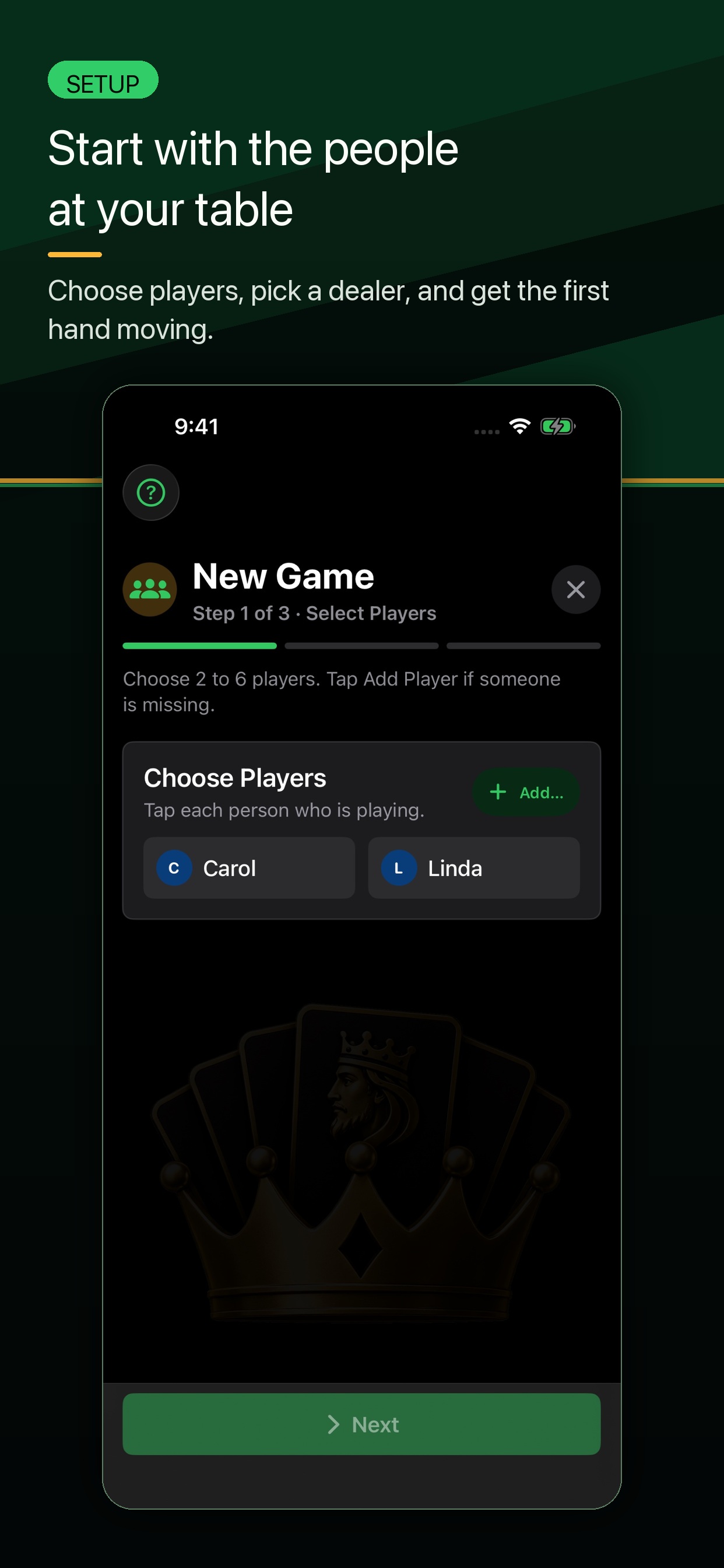
| Start a game | Open Kings, start a new game, choose 2 to 6 players, and confirm the dealer order. |
|---|---|
| Learn the rules | Use Learn To Play during setup or from Settings when someone needs a refresher. |
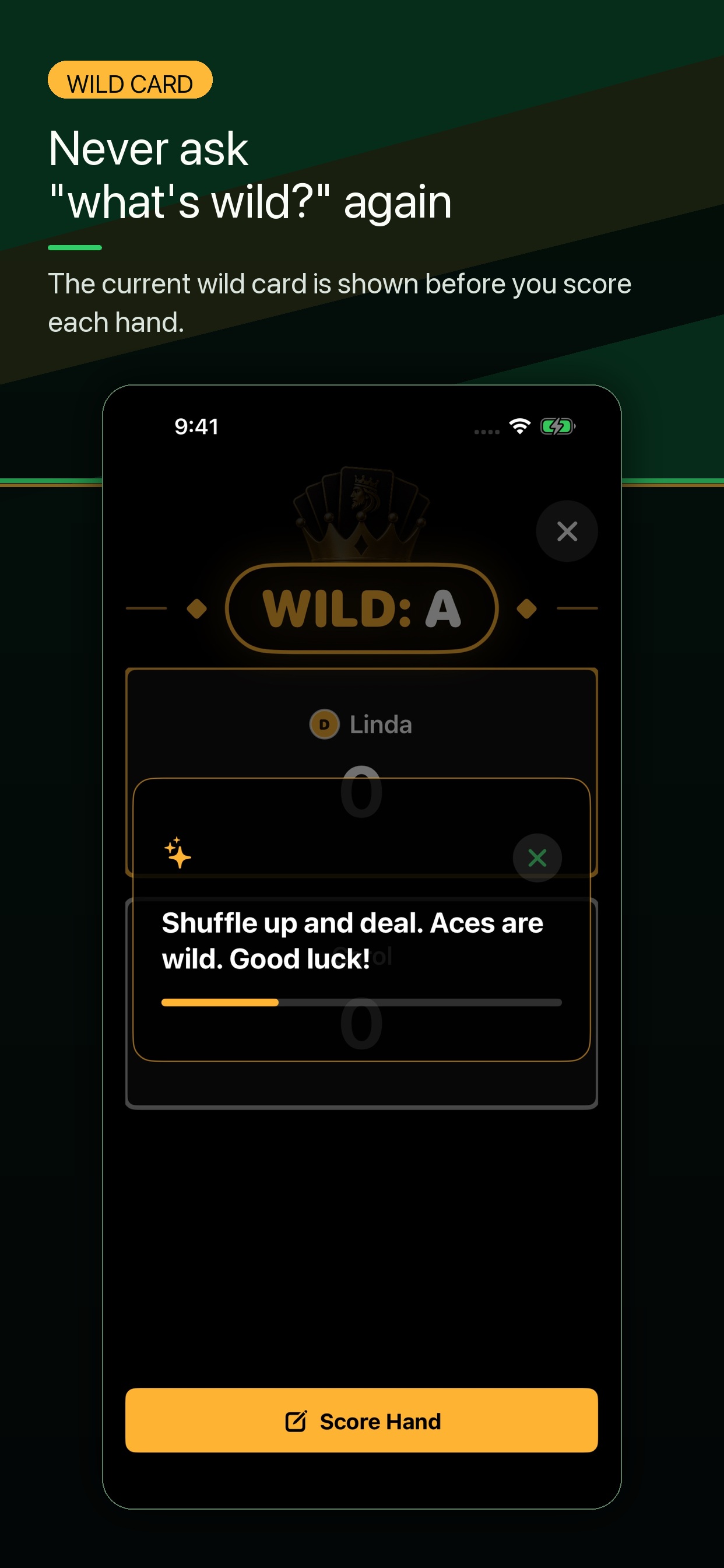
| Check what is wild | Look at the current hand in the scoring flow or scoreboard before entering scores. |
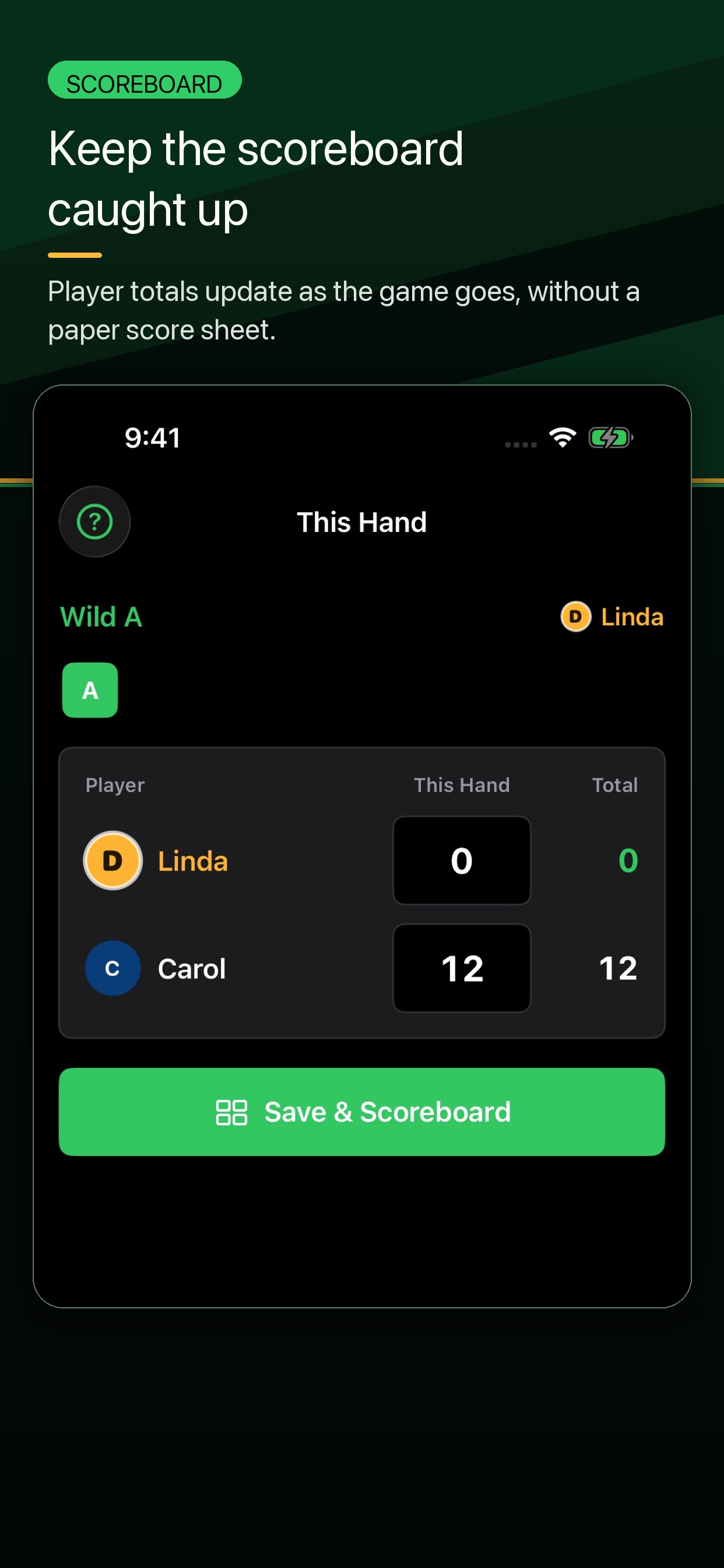
| Score a hand | When a hand ends, tap Score Hand and enter each player's points. The player who went out scores 0. |
| Review History and Records | Use History to review completed games. Use Records to see player stats and table bragging rights. |
| Copy Support Details | Go to Settings > About Kings > Copy Support Details before opening a support request. |
Start with the full How to Play guide and the printable one-page rules.
How to PlayUse the Table FAQ for quick answers while cards are still in hand.
Table FAQCopy support details from Settings, then open a public support request.
Support